

A better way to create your calculations
Uncomplicate engineering. Combine code, live math, and robust analysis into one seamless workflow.
Save time
Accelerate your workflow with virtual calc pads and quick-reference engineering properties.
Create reports
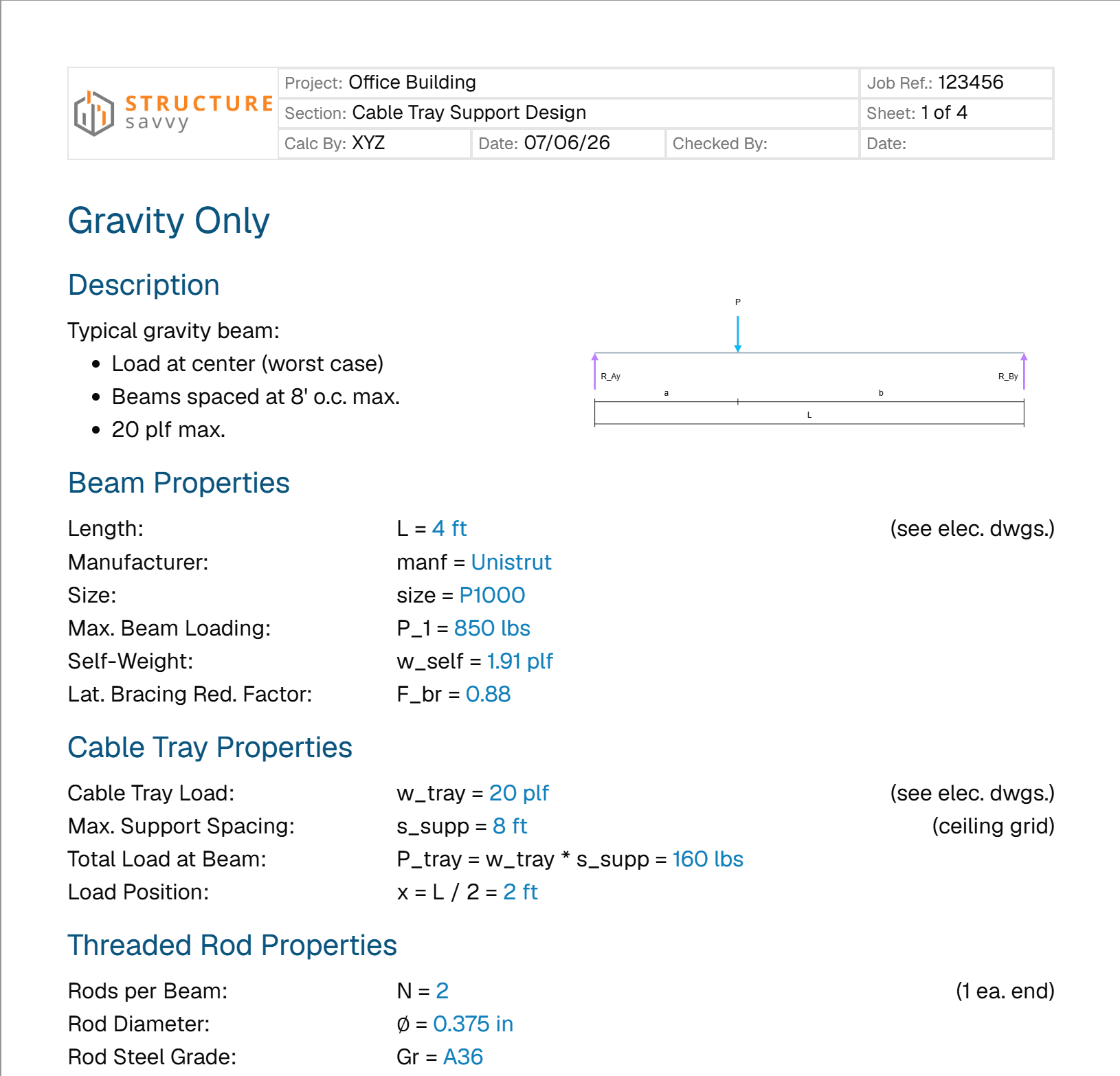
Export your analyses to PDF or generate professionally formatted Word documents directly from your calculations.
Find answers
Search our built-in wiki for tool guides, general engineering knowledge, and standaradized property tables.
Live calculations
Write formulas naturally and watch them solve as you type, helping you catch errors in real-time without switching tools.
All-in-one workspace
Keep your structural design tools, live calculation sheets, and reference libraries together in one seamless platform.
Robust analysis
Perform quick, reliable beam analyses in your browser without needing to open heavy, standalone desktop software.
Math in motion
Watch your formulas solve as you type.
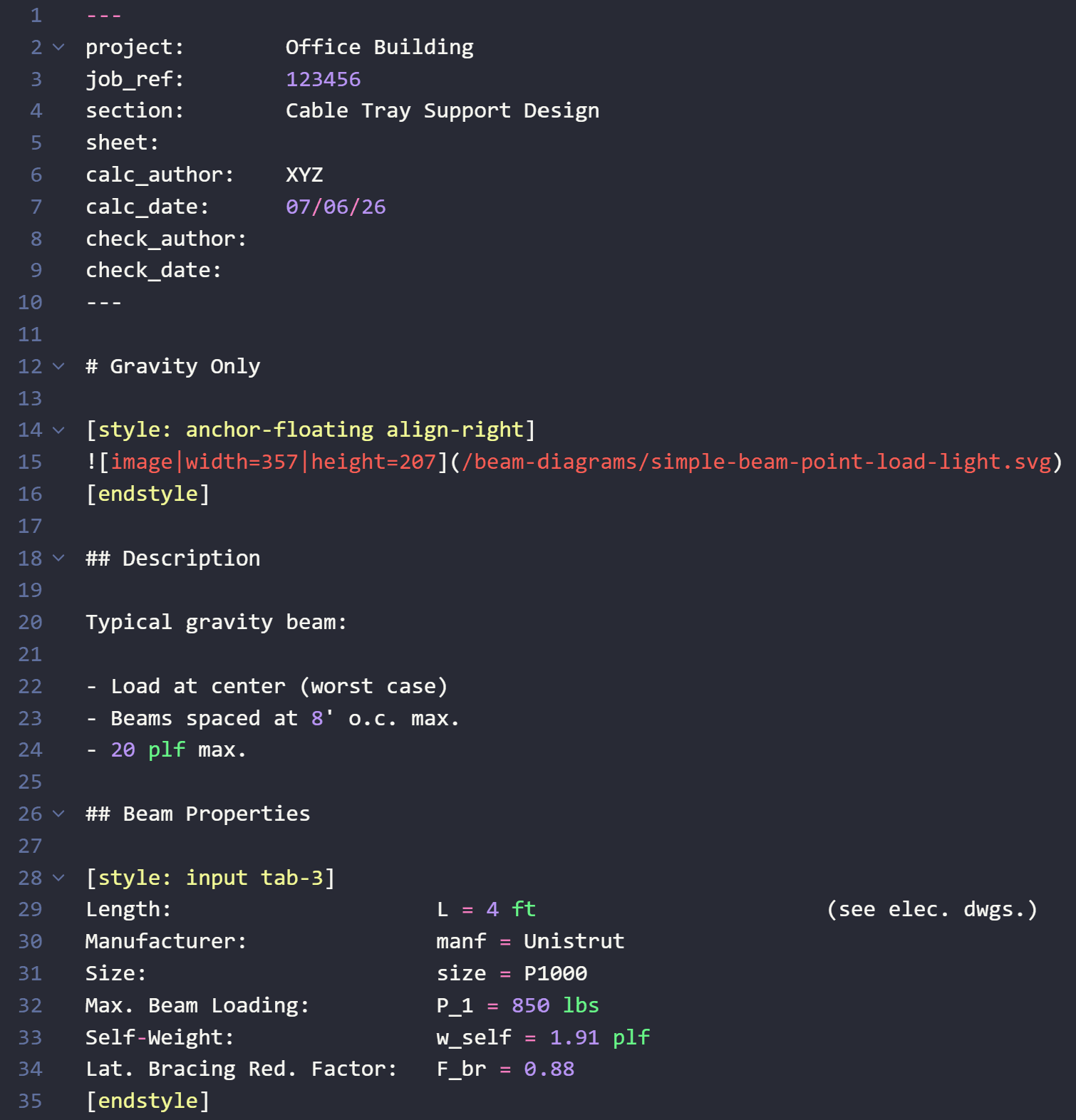
Calculations as Code
Write natural markdown with embedded math parameters. SavvySense evaluates your formulas instantly and generates professional, print-ready reports in real-time.
Live Math Plugin
Variables solve automatically inline as you type.
Tools you can trust
Submit your calculations with confidence.
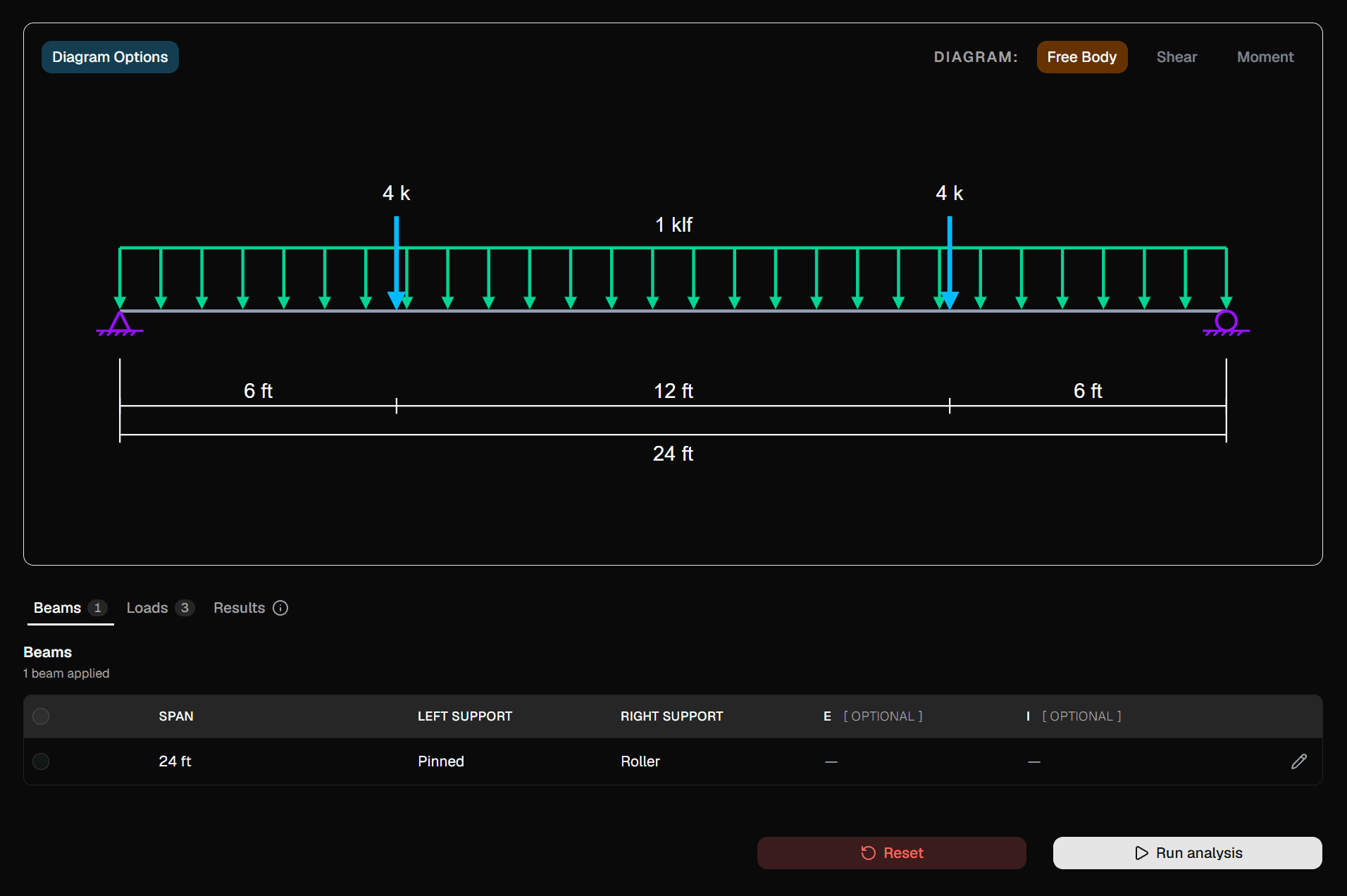
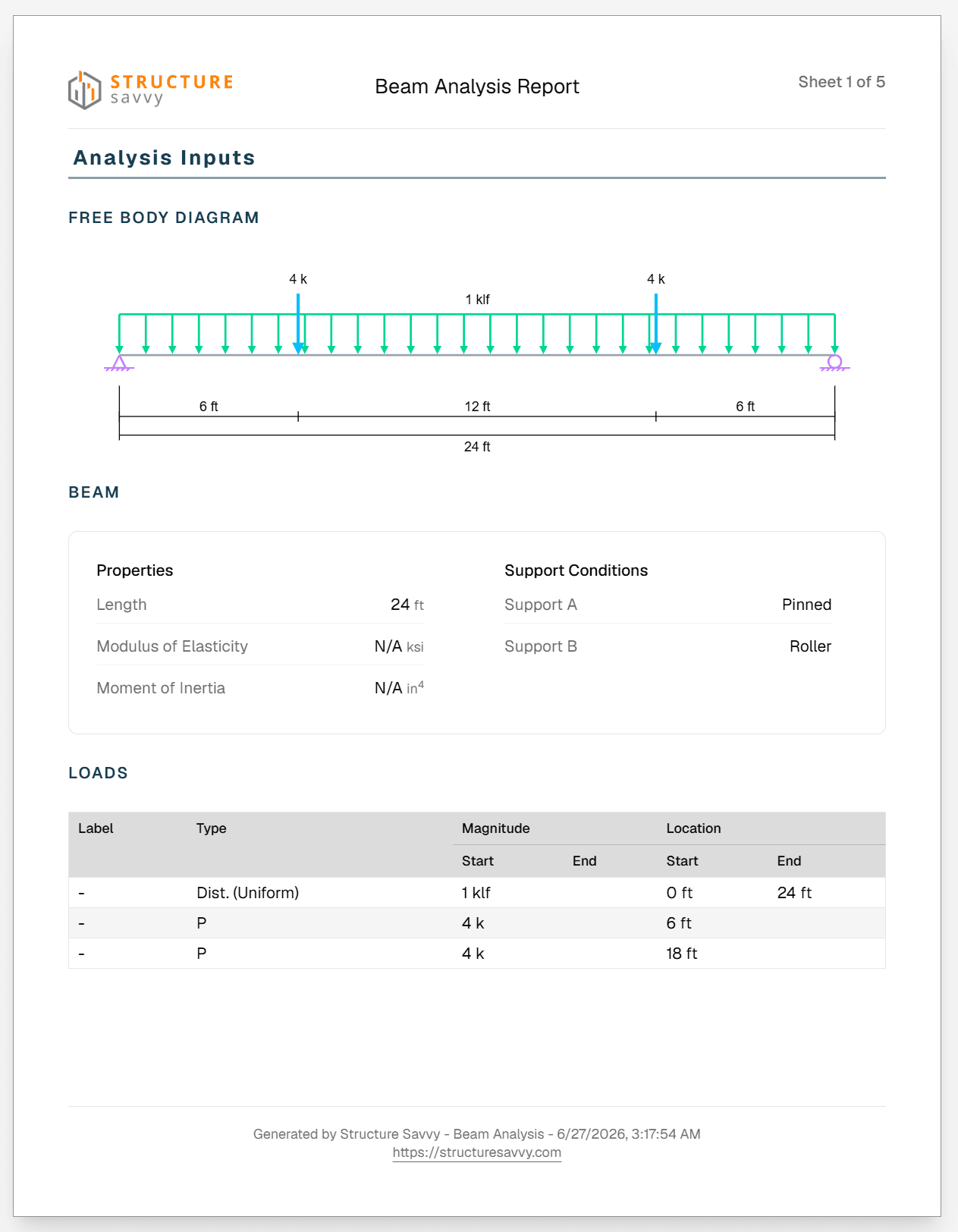
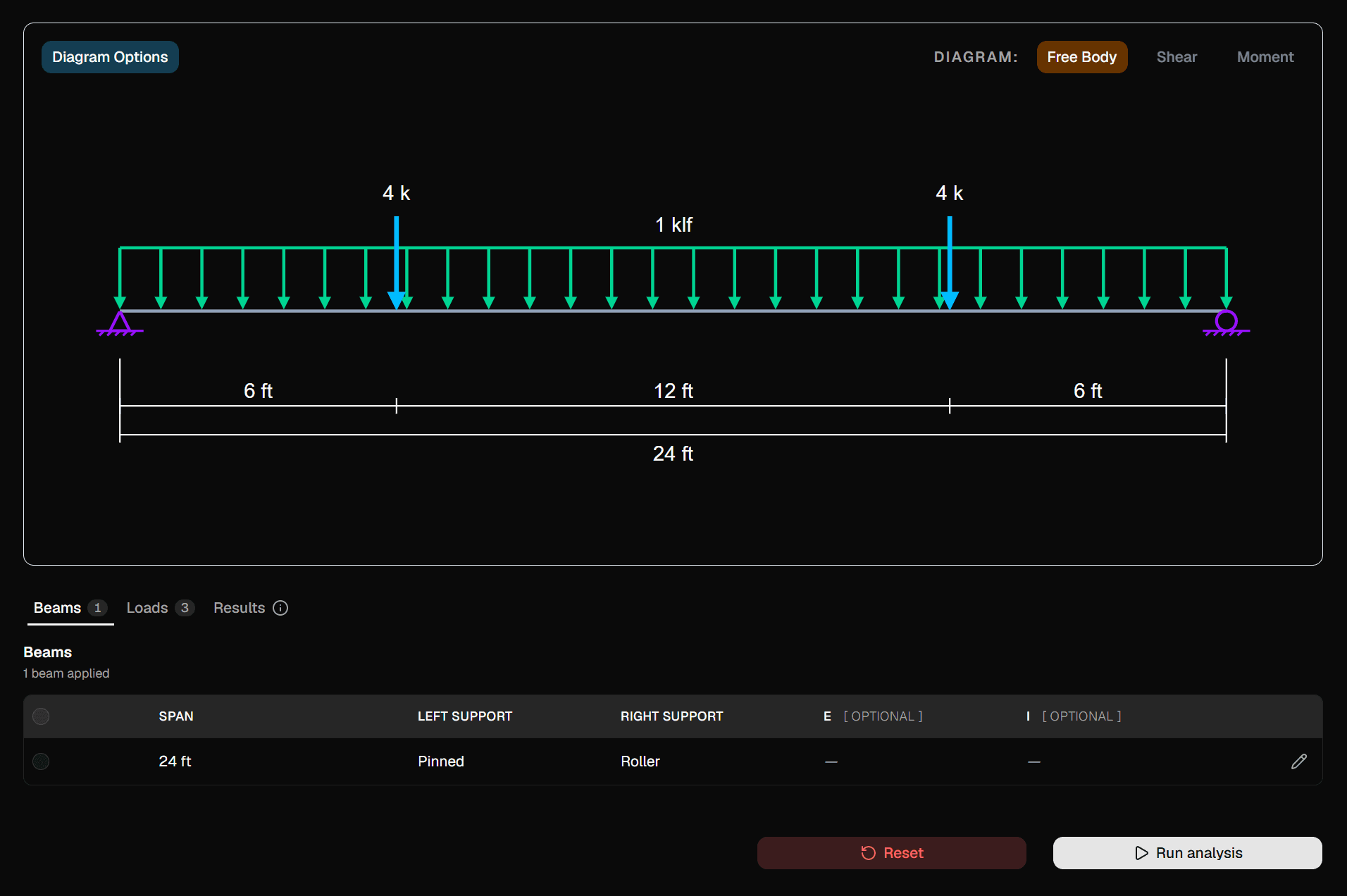
Interactive Beam Analysis
Model simply supported and cantilevered beams, apply complex load configurations, and visualize behavior instantly.
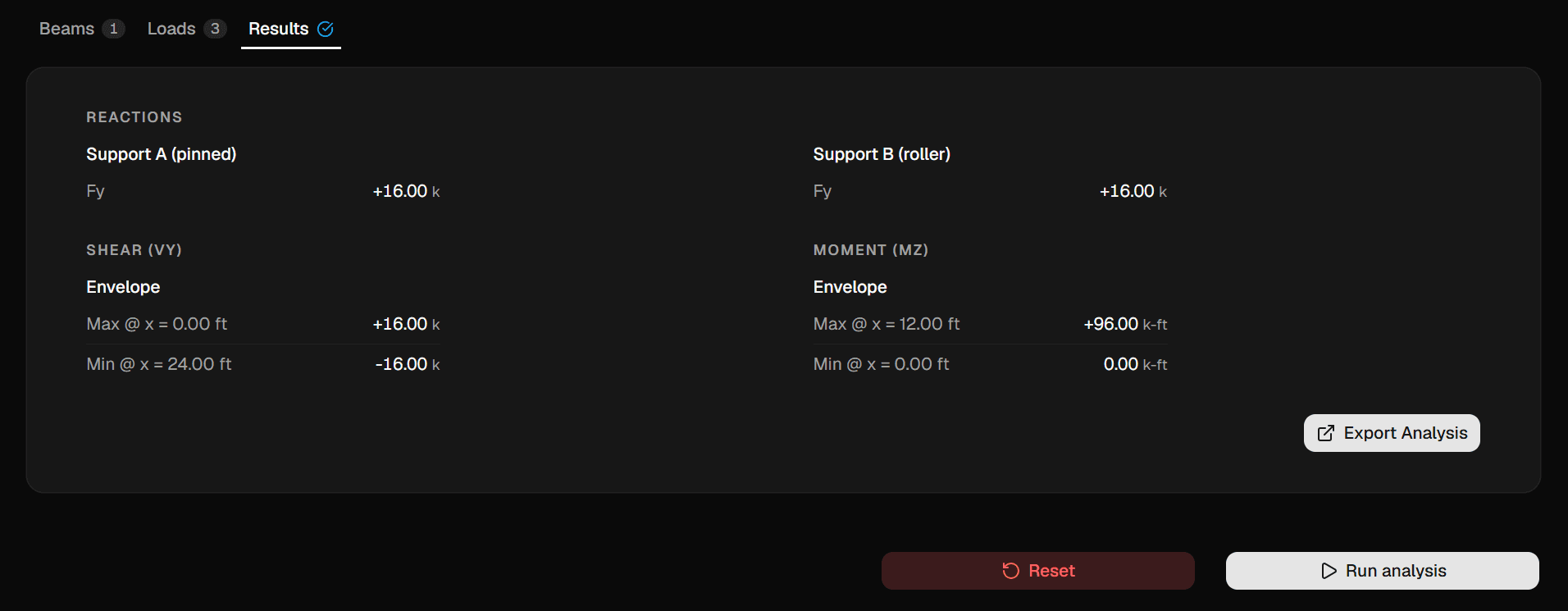
Instant Results
Calculate support reactions and max/min shear and moment envelopes automatically.
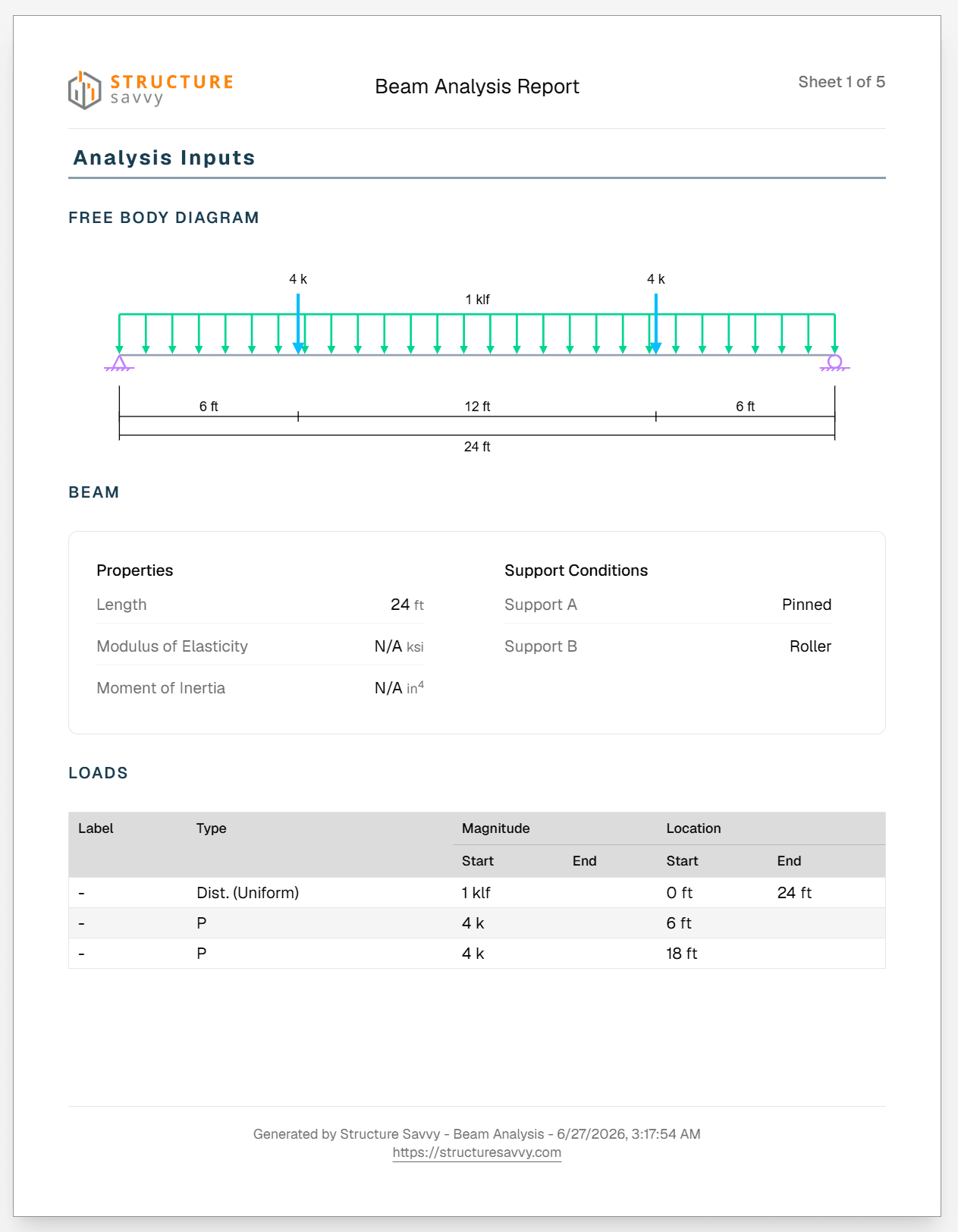
Engineering Reports
Export beautifully formatted, print-ready PDFs with detailed tabulations and governing equations.
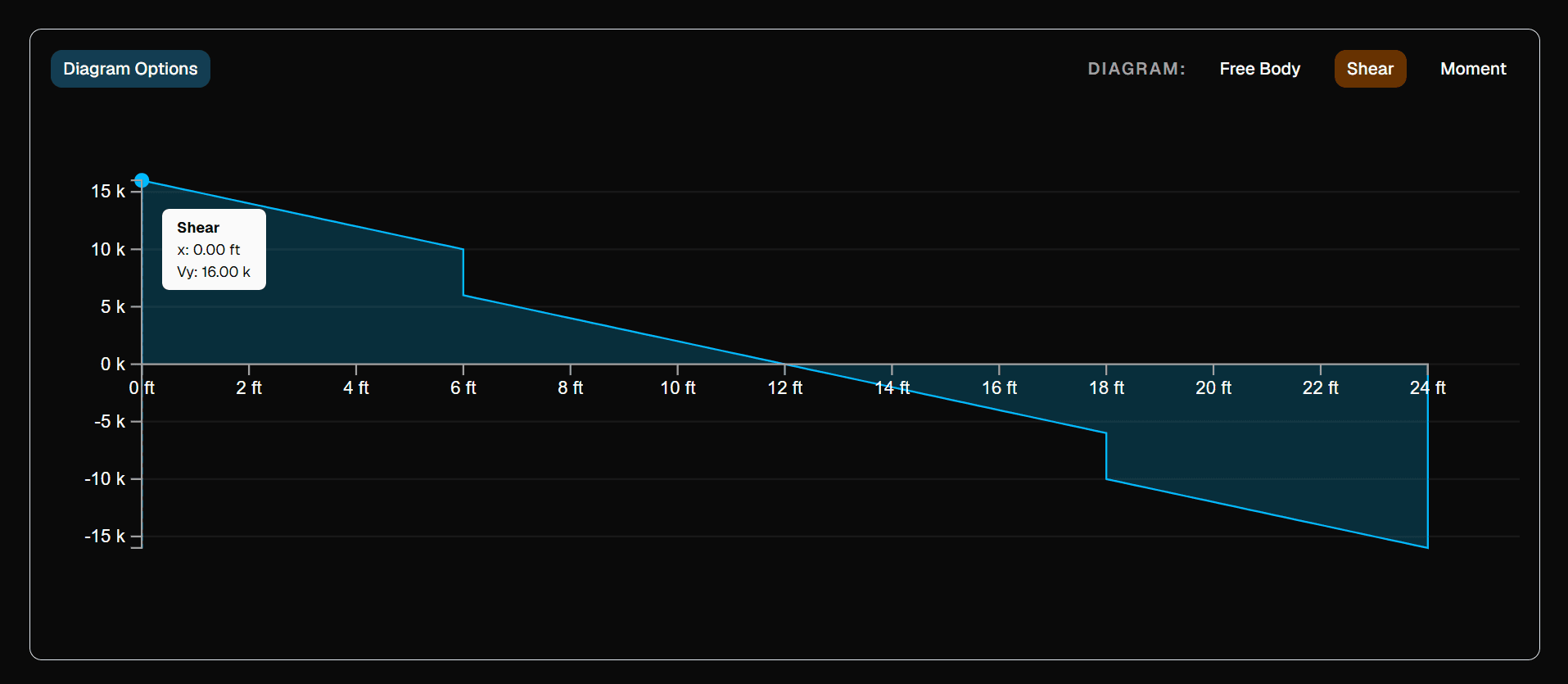
Visualize Forces
Toggle seamlessly between Free Body, Shear Force (SFD), and Bending Moment (BMD) diagrams.
Stay in the zone
Keep your reference materials right next to your calculations.